100% FREE!
The FIRST iPhone app for real Mystery Shoppers!
Record text notes, photo, audio, timestamps and GPS (GeoVerify)
Email all your notes, pictures, etc to your computer
By the makers of SASSIE, the world's #1 mystery shopping system
- To ADD A SHOP:
- Tap "Let's add a shop" or "+ Add Shop" button
- To ENTER SHOP DETAILS (optional):
- Tap + sign next to shop detail field
- Enter or edit field
- Bonus: After you've entered address, tap to get directions
- Bonus: After you've entered phone number, tap to dial number
- To ENTER SHOP NOTES:
- Tap "NOTEPAD" button
- Tap "+ Add a Note"
- Select from 5 different kinds of notes to add
- To ADD TEXT NOTE:
- Enter Text
- Tap "SAVE" button
- To ADD AUDIO NOTE:
- Tap "RECORD"
- Tap "SAVE"
- To TAKE PHOTO:
- Take Photo
- Tap "USE"
- Name Photo (optional)
- Tap "Done"
- To RECORD TIME STAMP:
- Tap "RECORD TIME STAMP"
- Tap "LABEL TIME STAMP"
- Enter label (optional)
- Tap "Done"
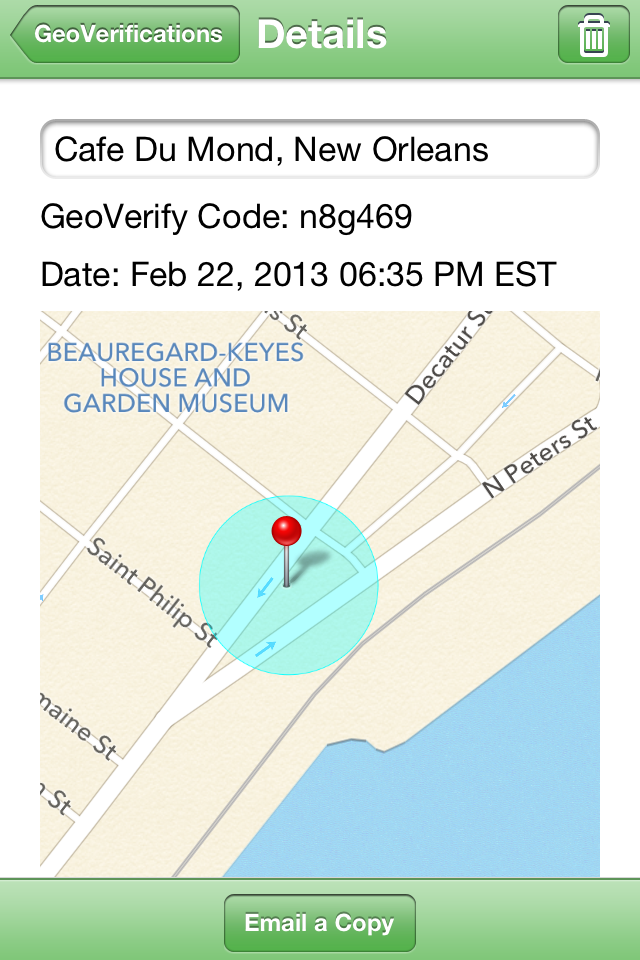
- To RECORD GEO-VERIFY (SASSIE only):
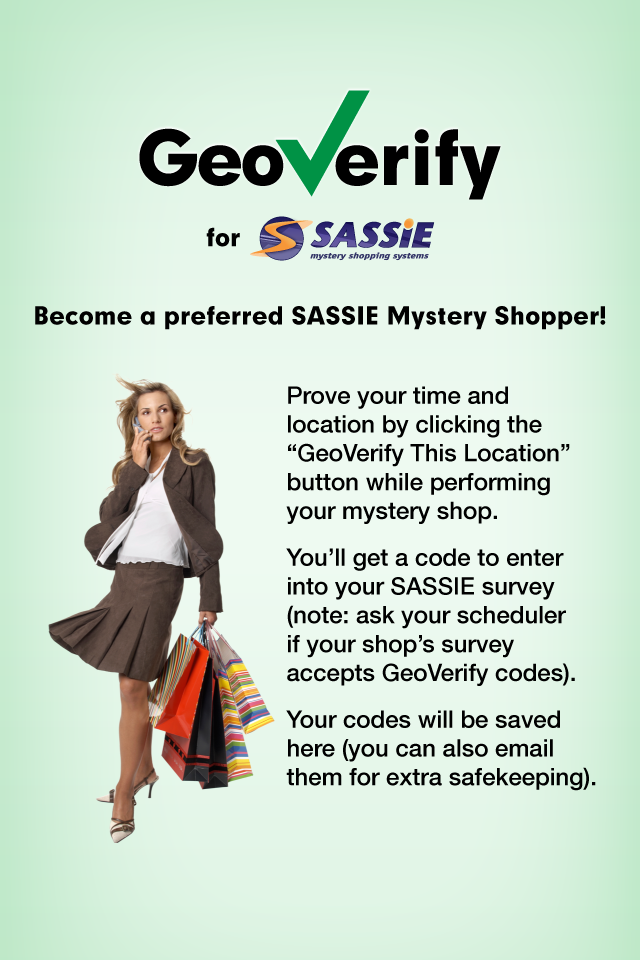
- GeoVerify lets you prove that your time and location when doing a shop. Using Geoverify will designate you as a professional shopper who can be trusted and deserves first consideration for shop assignments
- Tap "RECORD CURRENT LOCATION"
- Take note of the GeoVerify code generated
- Enter GeoVerifiy code into your SASSIE mystery shop (note: your mystery shop provider must be using SASSIE and must have the GeoVerify option turned on for their system)
- To EMAIL SHOP INFO TO YOUR COMPUTER:
- Tap "NOTEPAD"button
- Tap "EMAIL THIS SHOP" (and confirm)
- Enter your email address and tap "SEND"
- To ARCHIVE A SHOP:
- Tap "DETAILS" button (when you're in a shop)
- Tap "ARCHIVE SHOP" button (bottom of details screen)
- To ACCESS ARCHIVED SHOPS:
- Tap "MY SHOPS" button
- Tap "Archived Shops"
for support, email jsiphonesupport@jobslinger.com